On-Demand Course
Getting Started with After Effects
Bring your designs to life with dynamic animations and captivating motion graphics.
Course overview
What this course covers
Getting Started with Motion Graphics Using Adobe After Effects is a twelve-module course and the perfect introduction to animation and visual effects. You'll navigate the After Effects workspace and learn to craft animations with keyframes and motion paths, animate text and graphics, add effects and presets, work with masks and layers, and export in the right format — so you can create dynamic, captivating motion graphics for video, web, and social media.
What you'll learn
Learning outcomes
Master the workspace
Get to grips with the timeline, composition window, and effects controls that power After Effects.
Animate with confidence
Craft smooth animations with keyframes and easing, and bring text, shapes, and logos to life.
Add flair and export
Use effects, masks, and layers to add depth, then render your work for video, web, or social.
Who is it for?
For anyone ready to start animating
Whether you're creating content for social media, sharpening your design skills, or just curious about animation — this beginner-friendly course gives you everything you need to unlock your creative potential with After Effects.
Complete beginners ready to unlock their creative potential with After Effects.
Content creators, designers, and video editors looking to add motion graphics to their skillset.
One on-demand course is just the start.
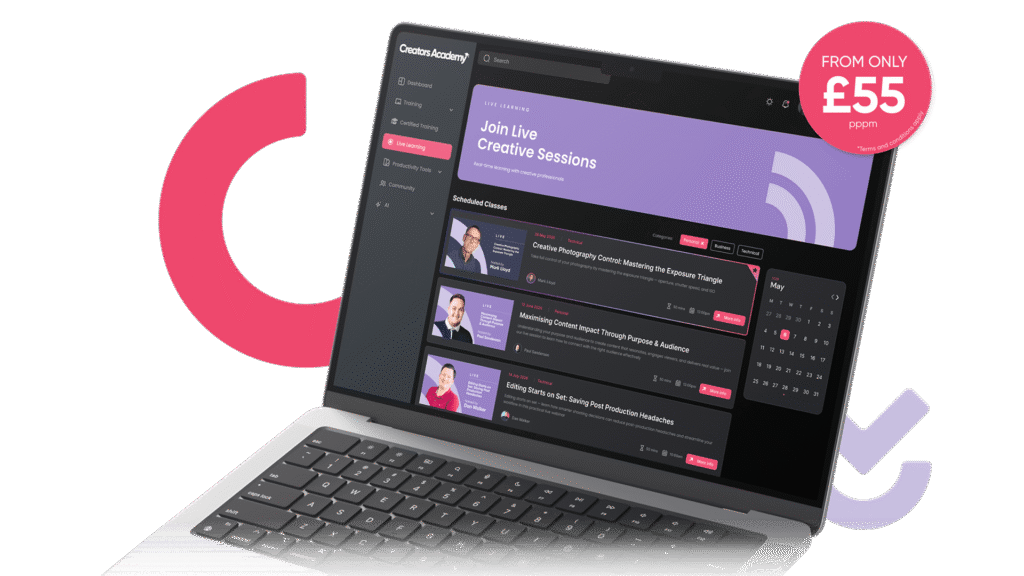
This course is included as part of the Creators Academy learning platform.
Explore the Platform